The Problem
The work is happening, but nobody has one clear status

- Manual follow-ups
- Delayed responses
- Scattered evidence
- Missed deadlines
For hybrid, field and multi-site teams, G-Smarto verifies who is working, where work is happening, which tasks are stuck, and what needs action now.
15-day free trial. No card required.
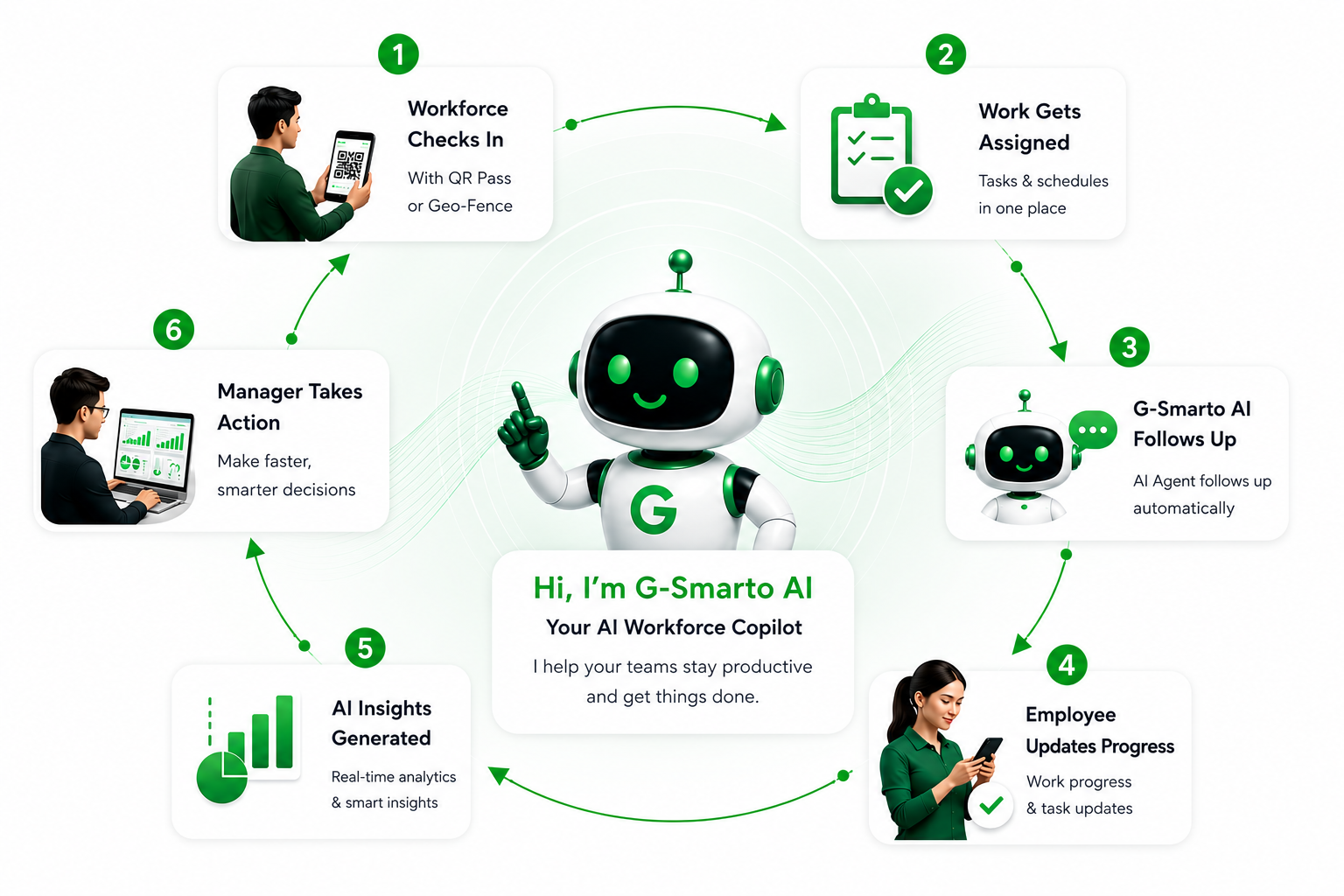
When updates live in calls, chats and memory, small delays turn into missed deadlines. G-Smarto keeps follow-ups clear, timely and recorded for everyone.

G-Smarto AI reminds the right person, collects the update, escalates silence and records the outcome so managers can focus on decisions.
Manager assigns the work once, with the expected owner and outcome.

G-Smarto AI follows up automatically at the right time.
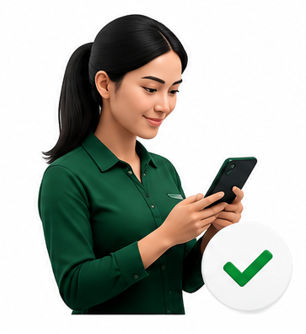
The employee replies with progress, a blocker or a question.
Photos, notes or status updates become proof inside the task.

If there is no response, G-Smarto escalates before the delay grows.

Managers see the exception with the full task history.
The task closes with a record everyone can trust.
Hi Azlan, just checking on the status of task “GS-07-Site Inspection Report”.
Working on it. Will update shortly.
Status updated: Completed.
Great! Task marked as completed. Manager notified.
G-Smarto confirms when people enter or leave approved work zones, so the operating view stays current without manual chasing.
No manual reporting. No guessing. No buddy punching.
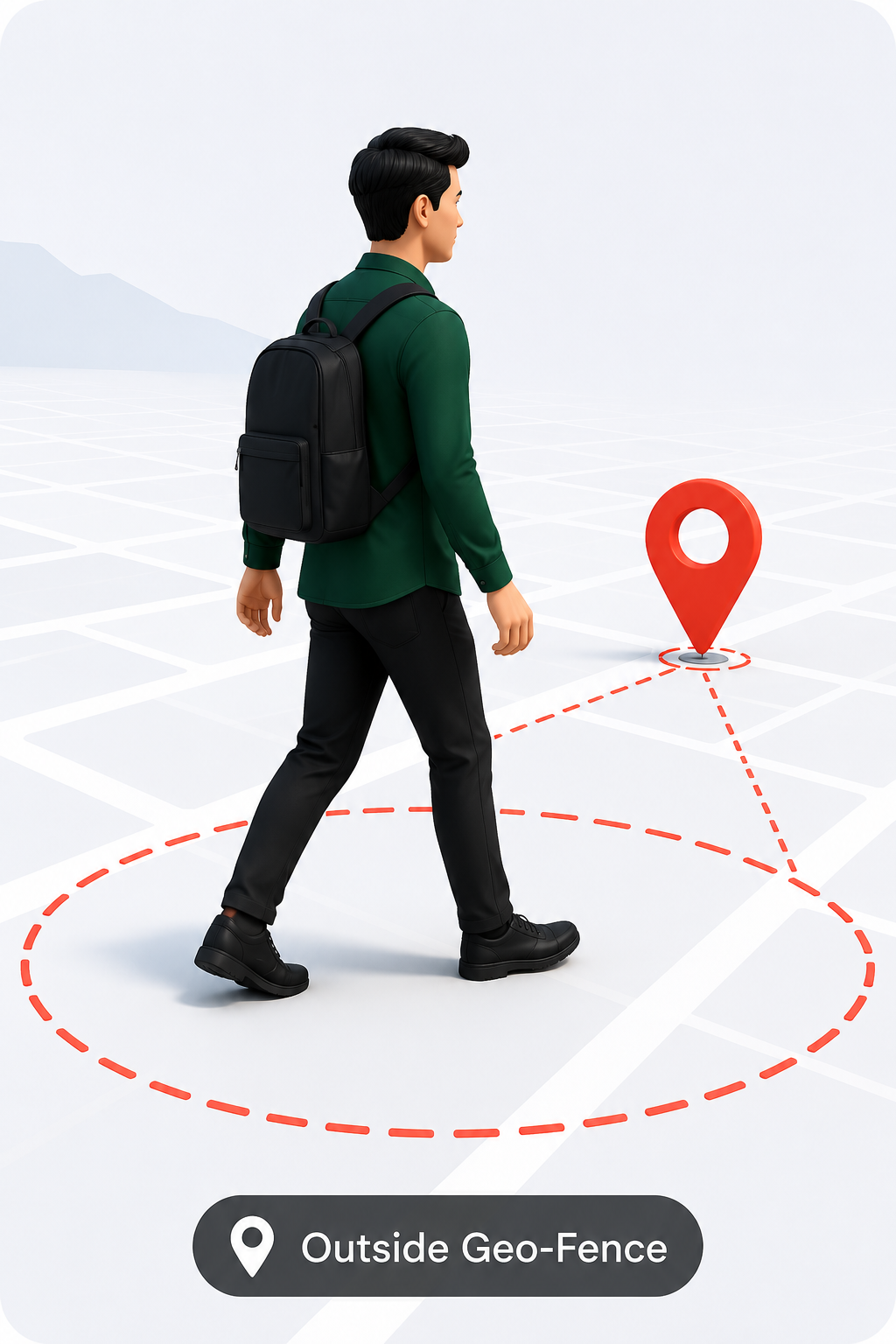
The employee is still outside the approved work zone.
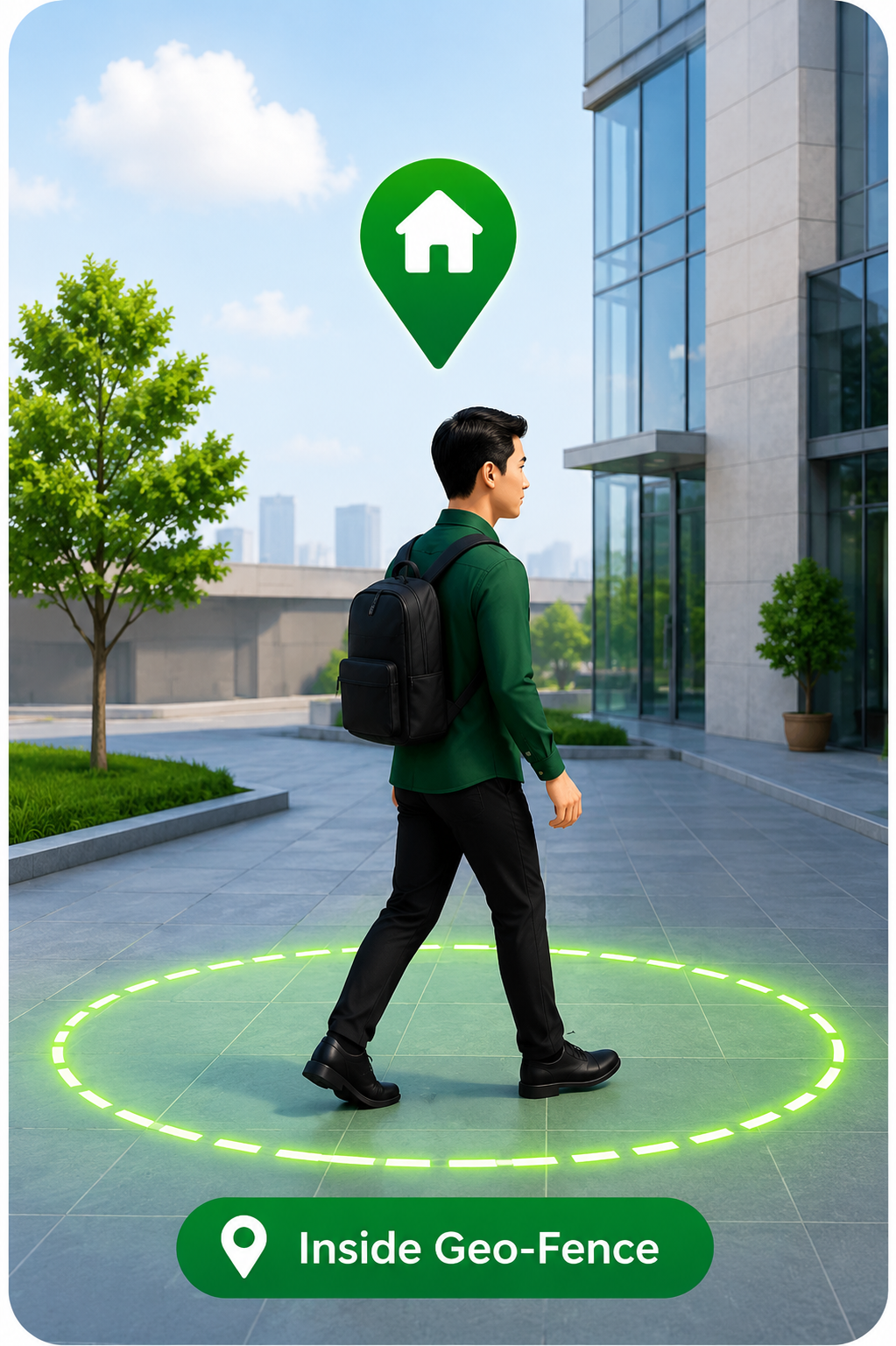
The phone enters the defined geo-fence area.
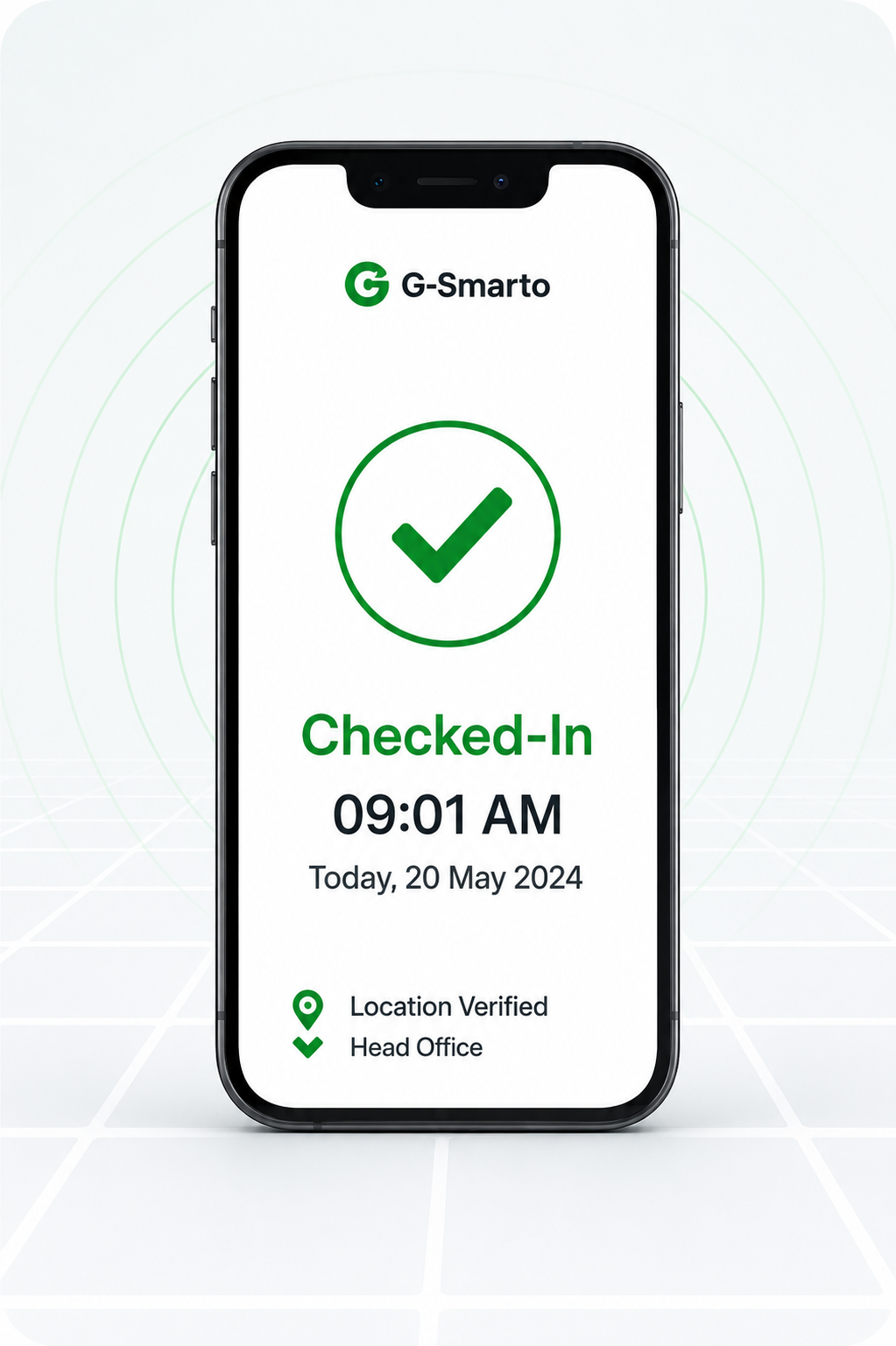
G-Smarto updates the work record automatically.
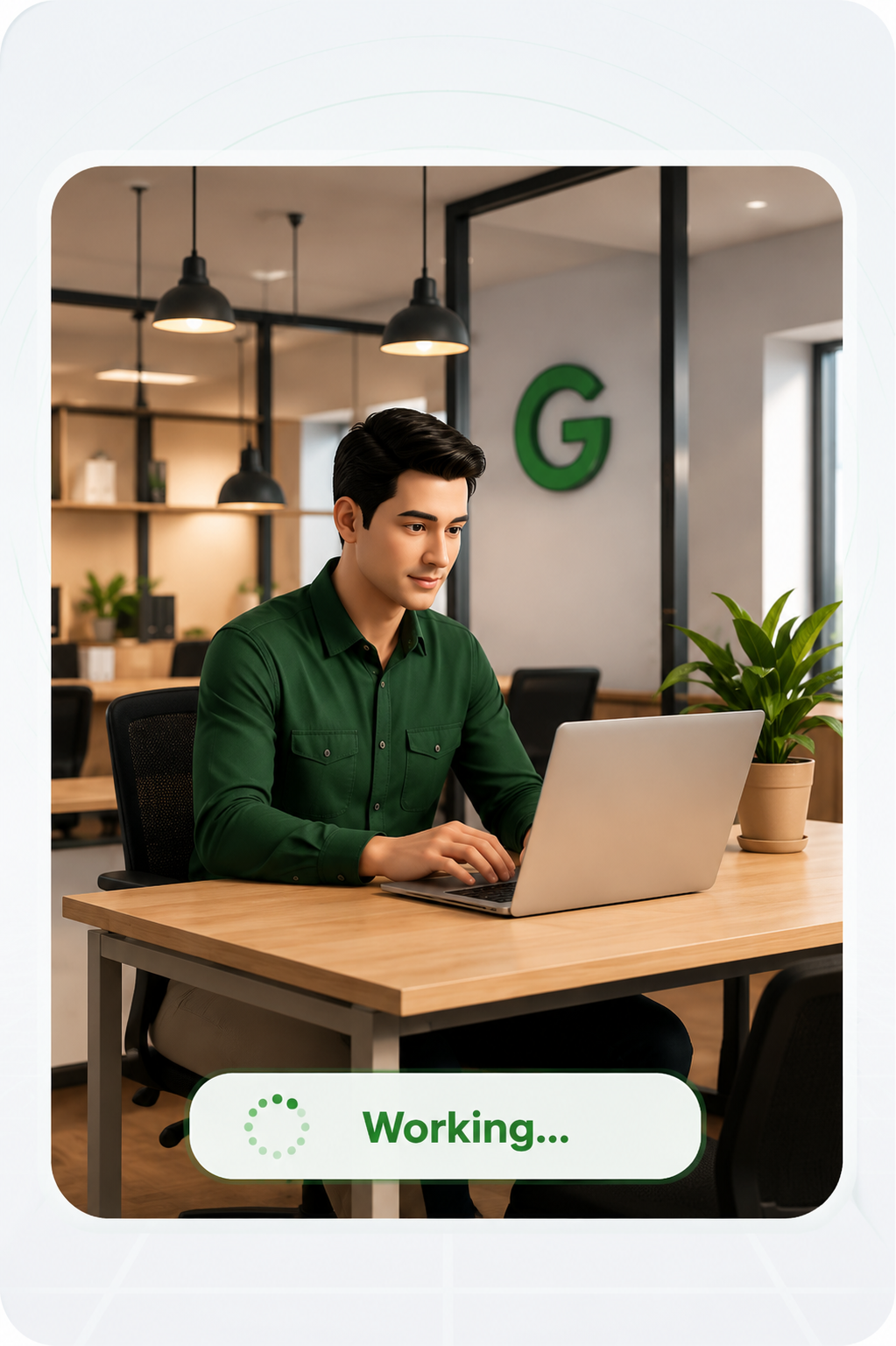
The work signal stays connected to the approved location.
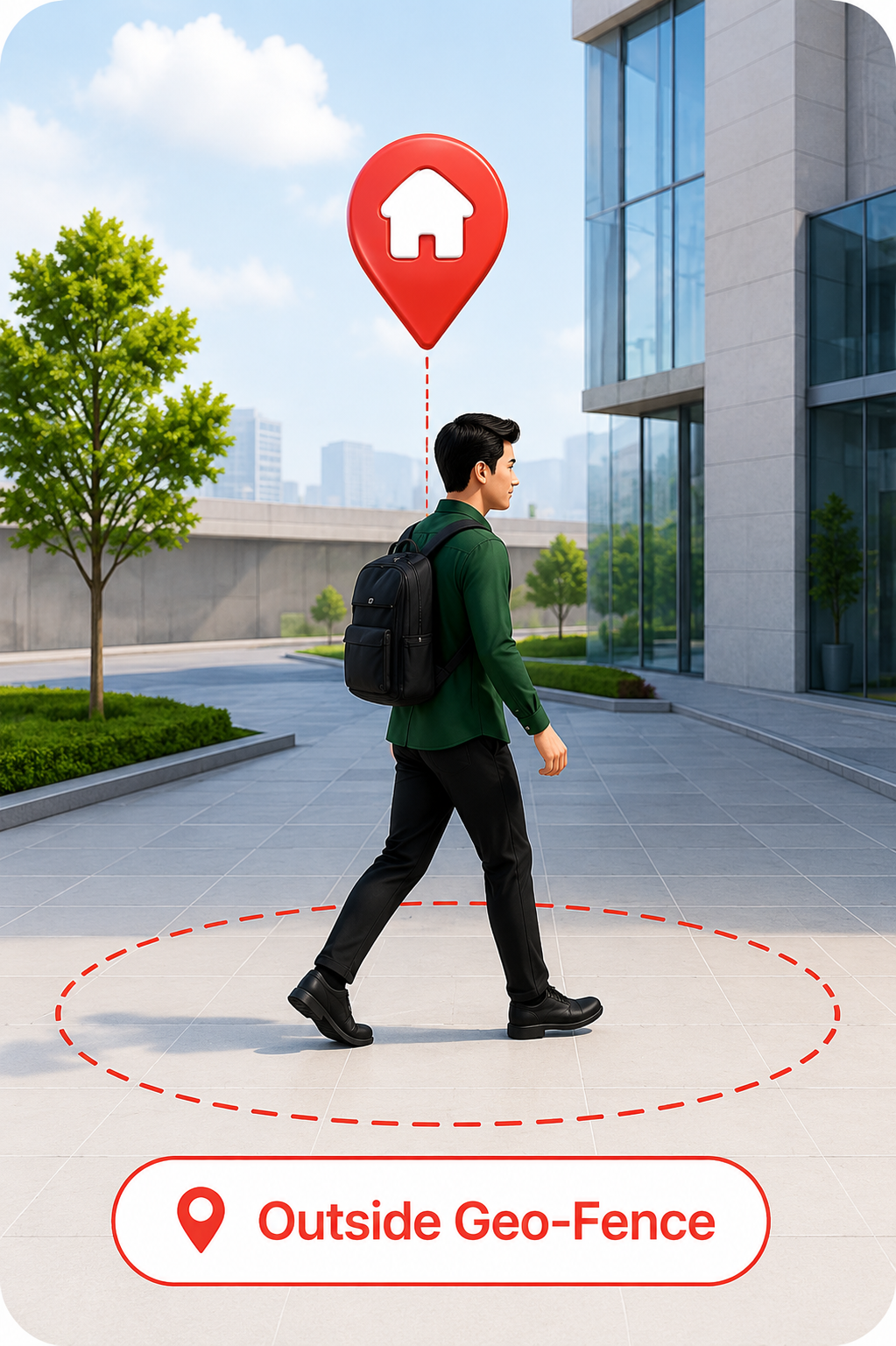
The employee exits the approved work area.
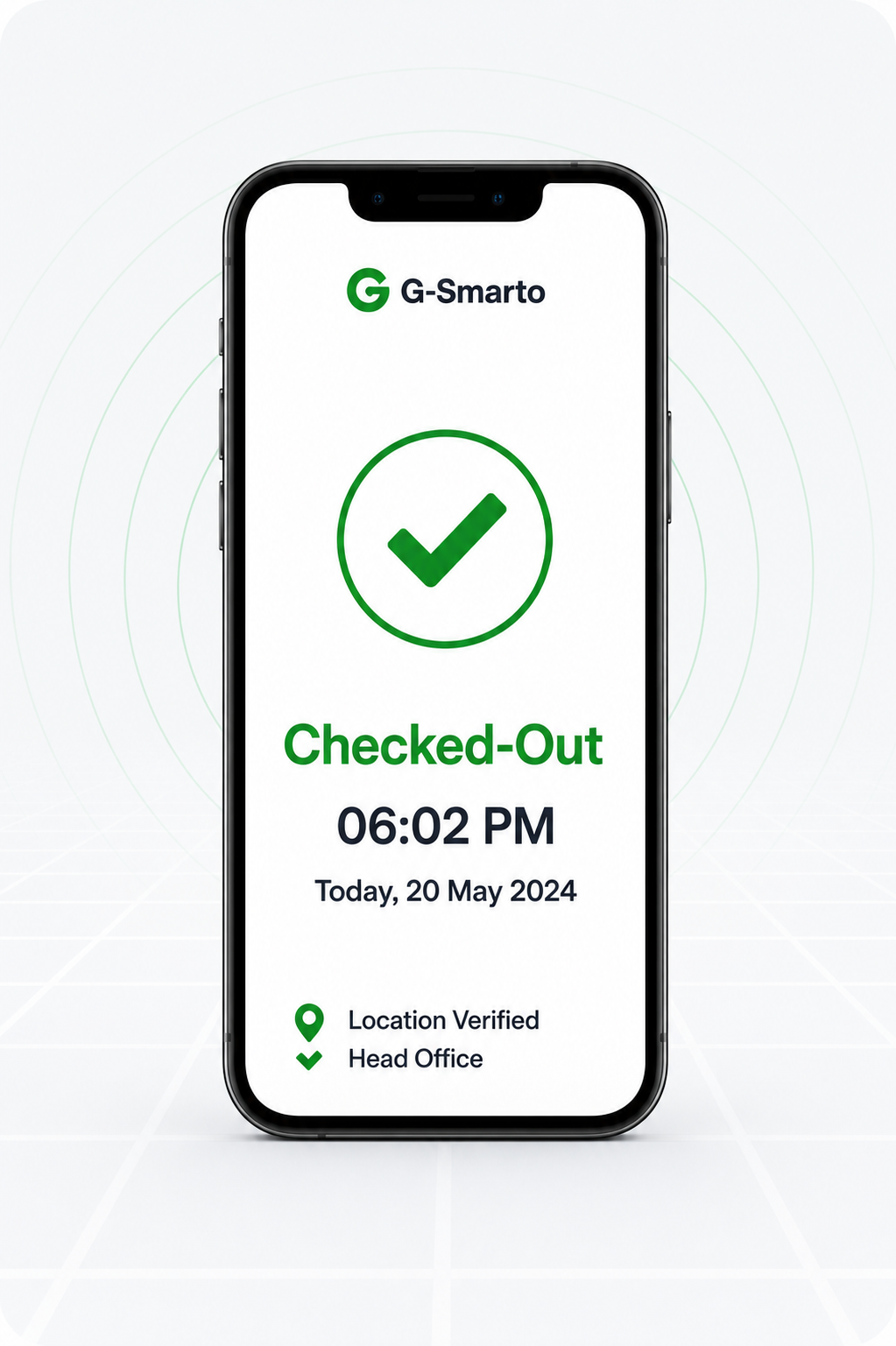
G-Smarto closes the work session automatically.
Reduce repeated check-in reminders and end-of-day corrections.
Location-based verification keeps work records more trustworthy.
Know who is in, out and where before someone asks.
Use verified activity data for payroll, compliance and operational decisions.
QR Pass helps offices, sites and security desks verify identity and site presence quickly, even when phones are not practical or allowed.
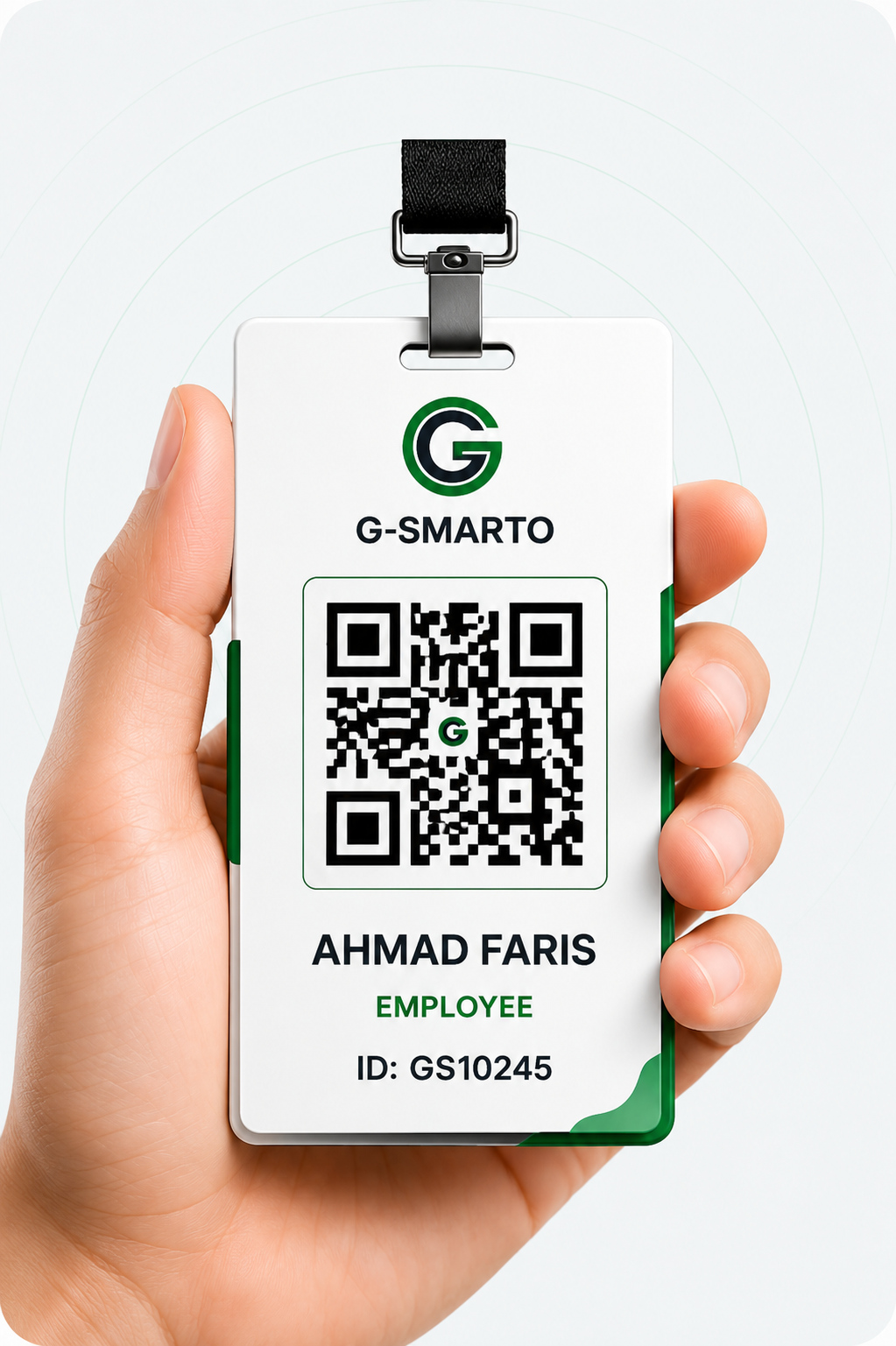
Employee presents a secure pass at the entry point.
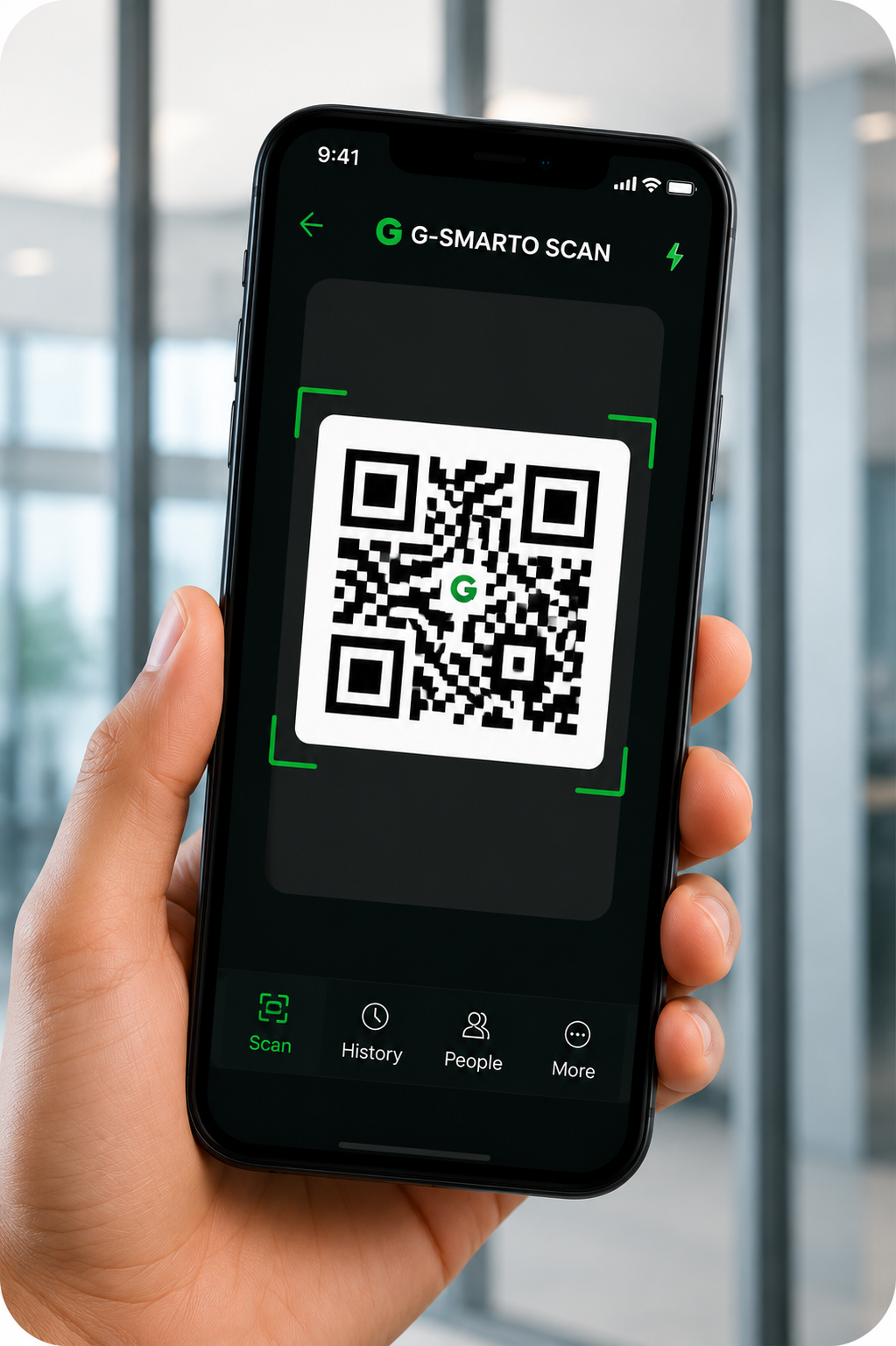
Security or a supervisor scans in seconds.
The record links identity, entry and site presence.
Completed 65%
In Progress 27%
Overdue 8%
Manufacturing 12
Maintenance 6
Logistics 4
Quality 3
5 tasks are overdue in Manufacturing. Escalate to supervisors and send reminders.
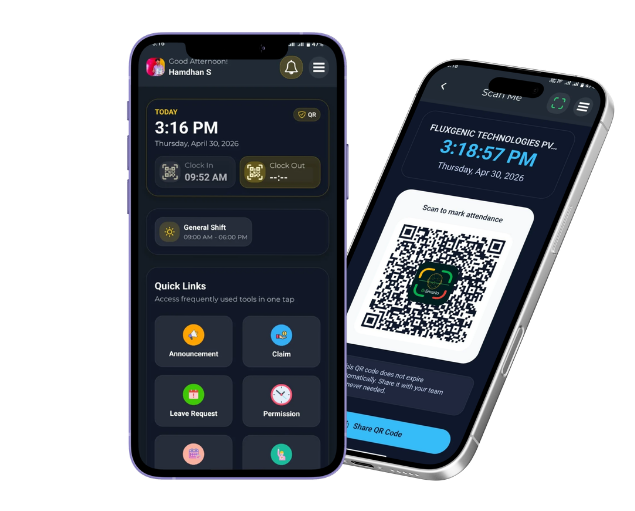
Employees can confirm presence, share progress, upload proof, view shifts and manage leave from a simple mobile experience that keeps the whole team aligned.
Verify site presence at entrances, sites and controlled areas in seconds.
Confirm when staff enter the approved work zone without manual chasing.
Submit progress, blockers, proof and completion status from the phone.
Keep schedules, leave balance and work history clear for everyone.
Sinetools needed workforce clarity fast. G-Smarto helped their team verify presence and give managers live visibility from day one.
G-Smarto gave us real-time visibility over our team's daily operations from day one. Setup was faster than we expected — our staff were checking in within hours, with no training needed.
Start with the task follow-up story, then explore short examples for verification, geo-fence checks and multi-location visibility.
Start with the visibility gap that hurts most. Add modules as your teams, sites and workflows grow.
Keep employees, teams, roles and workforce records consistent across every site.
Verify people quickly at offices, sites and security points.
Replace guesswork with approved-zone presence and departure records.
Track ownership, progress, blockers and proof from assignment to closure.
Automate reminders, follow-ups and escalations before tasks go stale.
Turn presence, task and location signals into decision-ready insight.
Keep employee issues visible until they are owned, updated and resolved.
Make SOPs, policies, forms and documents easy for teams to find in the flow of work.
Know who is trained, who is pending and where readiness gaps remain.
Send the right update to the right team without relying on informal channels.
Ask for workforce answers without digging through dashboards or spreadsheets.
Connect HRMS, ERP, payroll and enterprise systems without manual work.
From construction sites to retail branches, G-Smarto helps managers replace status chasing with verified activity signals.
Verify site entry, live headcount and work updates across multiple projects.
Field TeamsSupport site presence, restricted areas, QR pass cards and cleaner compliance records.
Secure SitesSee depot check-ins, route teams and field activity before dispatch decisions stall.
Live MovementManage branch teams, late arrivals, shift coverage and store-level follow-ups.
Multi-OutletManage hybrid office teams, branch presence, internal tasks and policy visibility.
Hybrid OfficesTrack clinical, support and shift teams while keeping location records clear.
Shift TeamsCoordinate campus staff, training, announcements and operational follow-ups.
Campus TeamsTrack mobile crews, maintenance routes, task proof and supervisor visibility.
Task ProofConfirm guards on post with QR pass, geo-fence and shift reporting.
Shift ControlAssign jobs, collect photo proof and know when each location is complete.
Proof of WorkVerify customer visits, location signals, daily updates and manager reports.
Visit TrackingSay it once. G-Smarto remembers.
Turn the quick thoughts managers usually keep in their head into reminders for calls, meetings, approvals and task follow-ups.
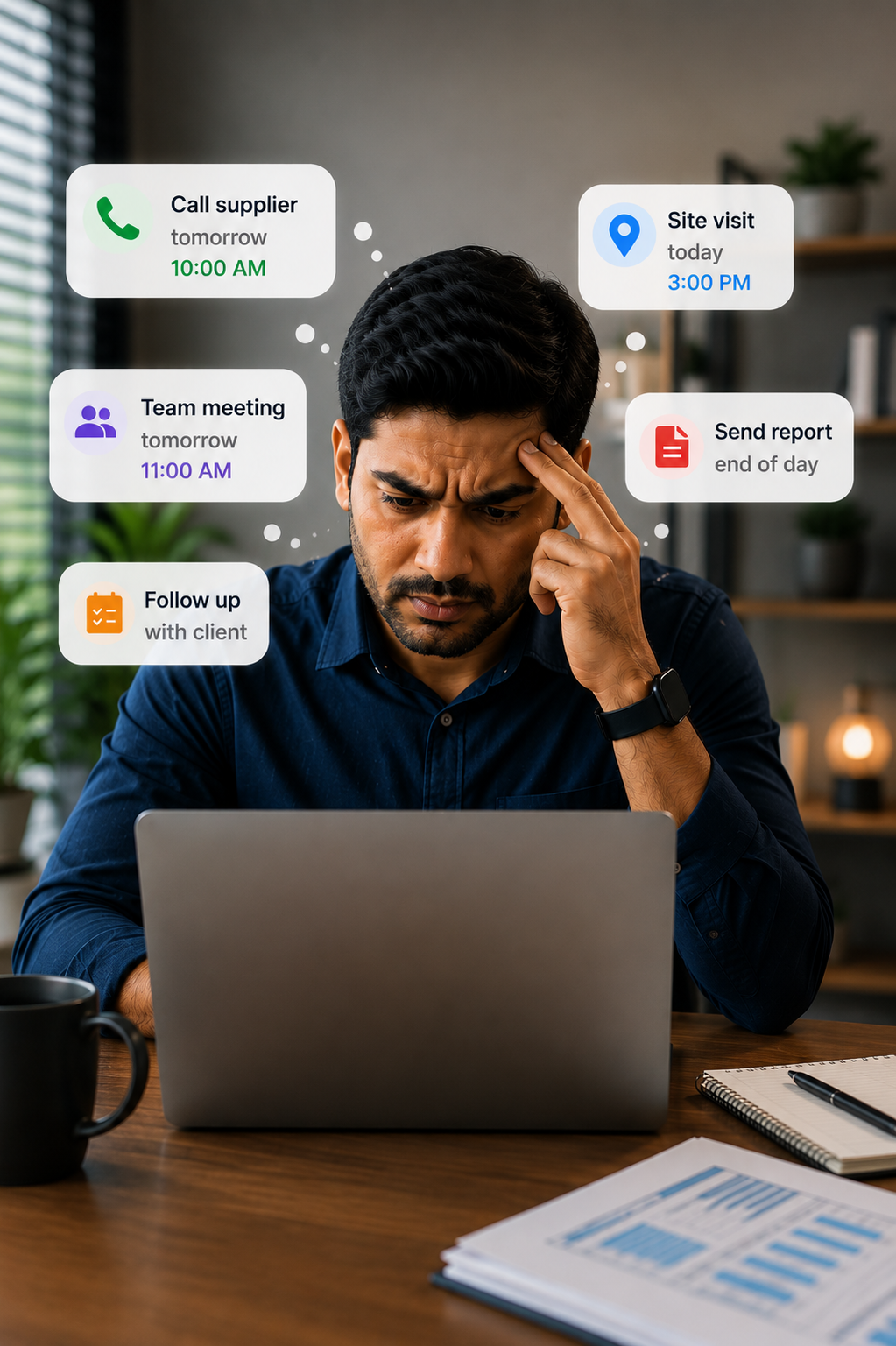
Busy days make small but important follow-ups easy to lose.
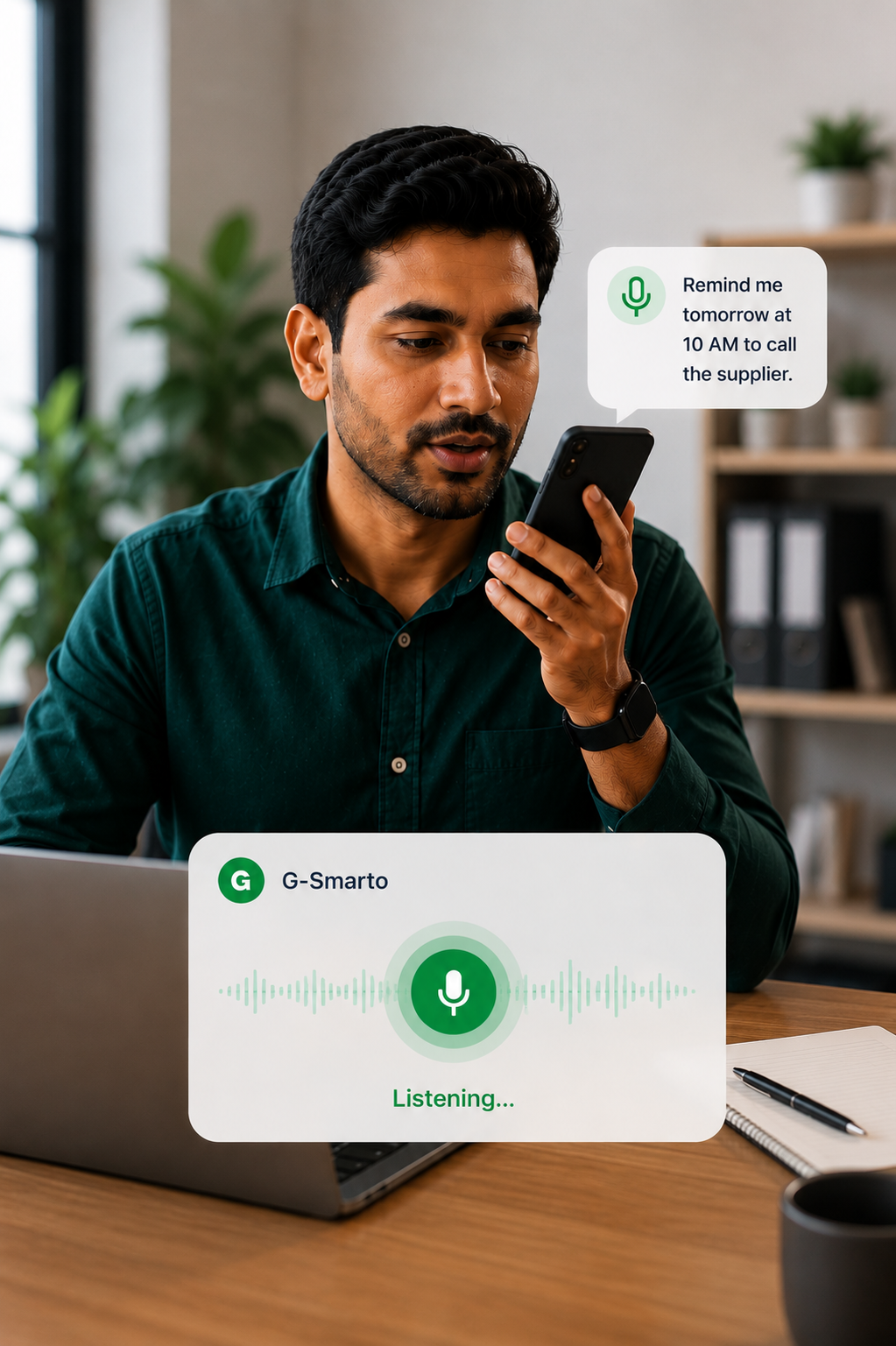
Speak it or type it before the thought disappears.
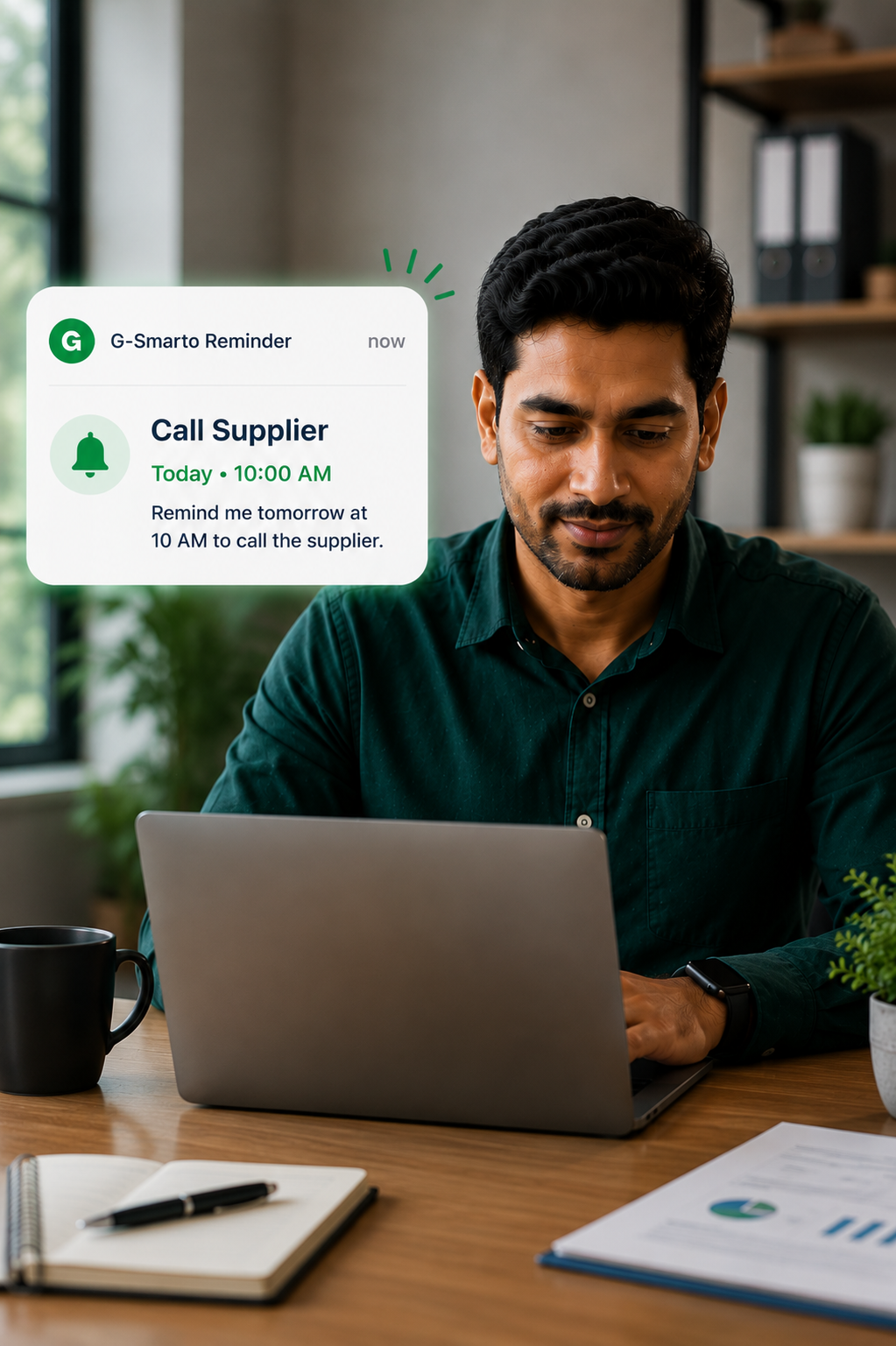
The reminder returns at the moment action is needed.
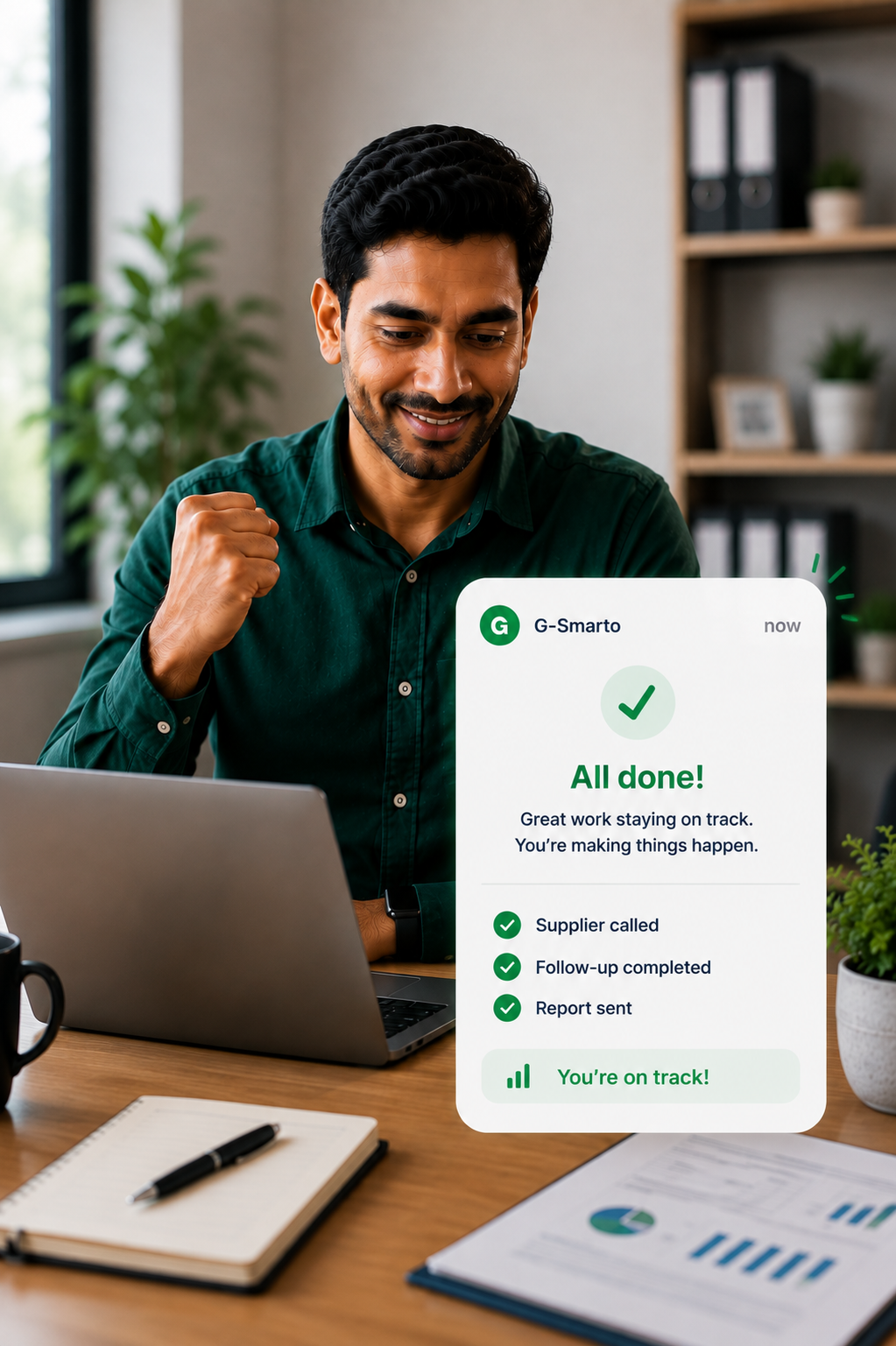
The follow-up is handled, recorded and no longer floating around.
Less chasing. Less forgetting. More work actually moving.
Try G-SmartoEverything staff need to confirm presence, update work and keep the team aligned from the phone they already use.
Scan the QR code at the entrance and create a verified work record in seconds.
When the phone enters the approved work zone, G-Smarto updates the work record automatically.
Switch work mode clearly so managers can see where the day is happening.
Keep schedules, leave balance and work history available without asking HR.
Try G-Smarto free for 15 days. Then choose the setup that fits your team size, sites and operational complexity.
Test your real presence and follow-up flow.
Start with one team or site, then expand.
Built for larger, distributed operations.
Start with one painful workflow. Scale when you're ready.No credit card required for your trial.
Answers for teams moving away from manual reporting, scattered updates and late visibility.
Book a DemoConnect with us on WhatsApp. We will map where visibility breaks today and show how verified check-ins, geo-fence tracking and AI follow-up can close the gap.

Start with your existing teams and sites without a long IT project.
Connects to SAP, Oracle, Kakitangan, Microsoft 365 and more so verified data keeps moving.
Presence is tied to approved locations, QR Pass or geo-fence rules.
Managers see late arrivals, missing responses and stuck work without manual checking.
Takes less than a minute. We'll customize the demo to your needs.
Demo request submitted successfully
We'll contact you within 1 business day.
Need it sooner? Email contact@g-smarto.com.
Need enterprise details? Email contact@g-smarto.com.